
Python SQL databases
Connection pools, queries and single-row lookups across PostgreSQL, MySQL, MS SQL, Oracle and Redshift.
Zato provides built-in support for connecting to SQL databases from your Python services. Connection pools are configured in the Dashboard, and your code accesses them through a simple, consistent API regardless of which database you use.
This approach means your services focus on business logic rather than connection management, credential handling, or low-level database drivers. Zato handles all of that for you.
Supported databases
Zato includes built-in support for the following database types:
Each database page includes specific connection examples and features unique to that database type.
Verifying a connection
Each connection in the Dashboard has a Ping link. It runs a test statement specific to the database type and shows the response time, which confirms that the host, credentials and network path are correct before any service uses the connection.
Basic usage
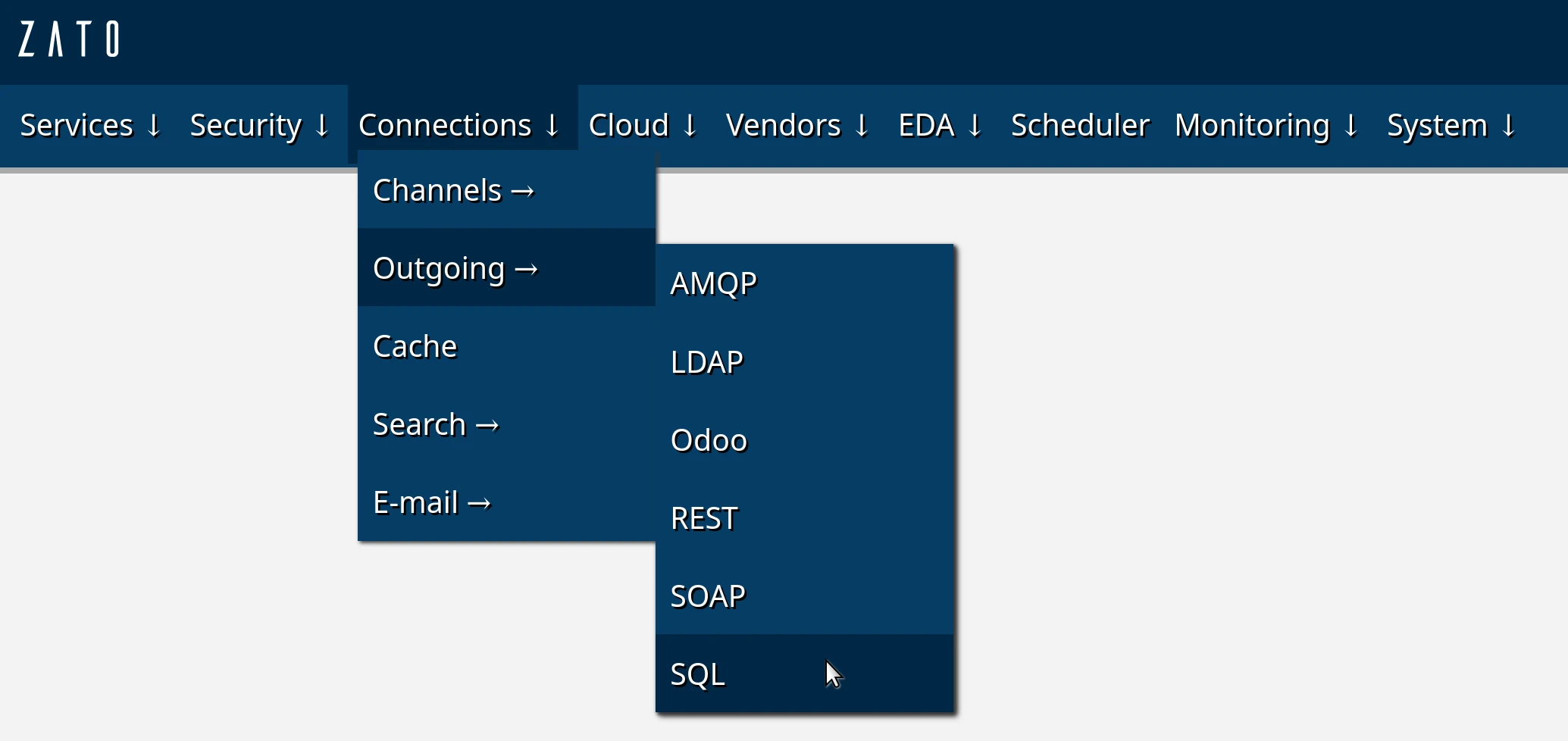
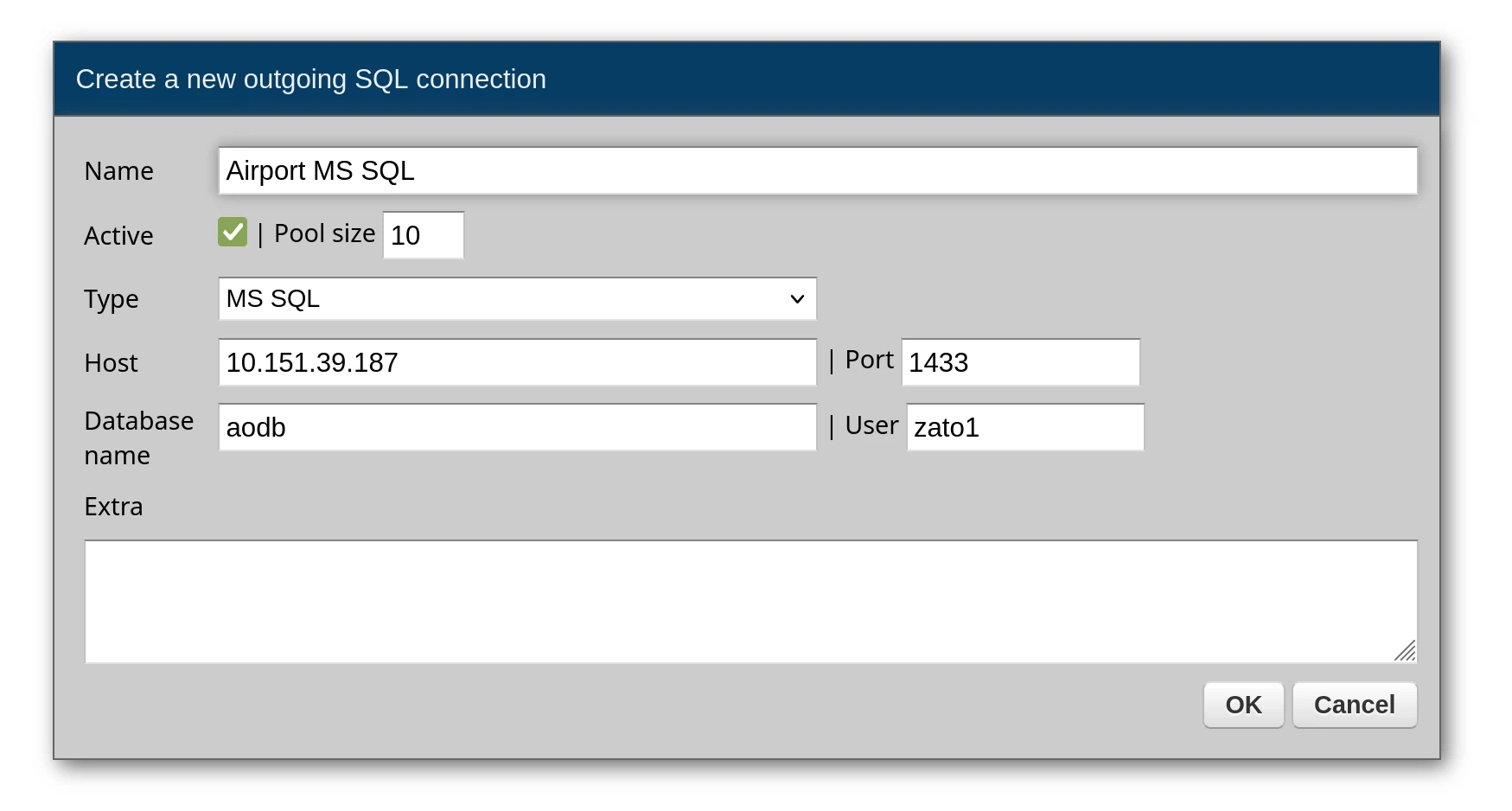
Once you have configured a connection pool in the Dashboard, under Connections -> Outgoing -> SQL, accessing it from your service is straightforward. The connection pool is available through self.out.sql, and you reference it by the name you gave it in the Dashboard.
# -*- coding: utf-8 -*-

# Zato
from zato.server.service import Service

class GetActiveFlights(Service):

    def handle(self):

        # Get a connection from the pool by name
        conn = self.out.sql['My Database']

        # Define your query with named parameters
        query = 'SELECT * FROM flights WHERE status = :status'

        # Parameters as a dictionary
        params = {'status': 'active'}

        # Execute and get results as a list of dictionaries
        result = conn.execute(query, params)

        # Return to caller
        self.response.payload = result
The response will be a list of dictionaries, one per row:
[
    {"flight_id": 101, "status": "active", "destination": "JFK"},
    {"flight_id": 205, "status": "active", "destination": "LHR"}
]
Returning a single row
When you know your query returns exactly one row, use conn.one or conn.one_or_none instead of conn.execute. These methods return a dictionary directly rather than a list, making your code cleaner when dealing with single-row lookups.
# -*- coding: utf-8 -*-

# Zato
from zato.server.service import Service

class GetFlightById(Service):

    input = 'flight_id'

    def handle(self):

        conn = self.out.sql['My Database']

        query = 'SELECT * FROM flights WHERE flight_id = :flight_id'
        params = {'flight_id': self.request.input.flight_id}

        # Returns a dict directly, raises exception if zero or multiple rows
        flight = conn.one(query, params)

        self.response.payload = flight
The difference between the two methods:
conn.one- Returns a single row as a dictionary. Raises an exception if the query returns zero rows or more than one row. Use this when you expect exactly one result.conn.one_or_none- Returns a single row as a dictionary, orNoneif no rows are found. Still raises an exception if more than one row is returned. Use this when zero results is a valid outcome.
# Returns dict or raises exception
result = conn.one(query, params)

# Returns dict, None, or raises exception (if multiple rows)
result = conn.one_or_none(query, params)
Sessions
conn.execute, conn.one and conn.one_or_none each run one statement in a session of its own, which the outgoing SQL connection opens, commits and closes. conn.execute returns rows as a list of dictionaries, or an empty list for a statement such as INSERT, UPDATE or DELETE that produces no rows. A service that needs several statements to commit or roll back together runs them in one session, which conn.session() returns:
# -*- coding: utf-8 -*-

# stdlib
from contextlib import closing

# Zato
from zato.server.service import Service

class TransferFunds(Service):

    def handle(self):

        conn = self.out.sql['My Database']

        debit_query = 'UPDATE accounts SET balance = balance - :amount WHERE account_id = :source_id'
        credit_query = 'UPDATE accounts SET balance = balance + :amount WHERE account_id = :target_id'

        params = {'amount': 30, 'source_id': 1, 'target_id': 2}

        # Both statements commit together or not at all
        with closing(conn.session()) as session:
            session.execute(debit_query, params)
            session.execute(credit_query, params)
            session.commit()
A session closed without session.commit(), e.g. because a statement raised an exception, rolls back every statement it ran. Statements run through conn.session() are not in the audit log, which records the statements of conn.execute, conn.one, conn.one_or_none and conn.callproc.
This applies to every database type except MS SQL. With MS SQL, conn.session() has no commit method, runs each statement on a connection of its own and records it in the audit log, so the statements of one session do not share a transaction.
Audit log
The connection's Audit log dropdown sets what the audit log stores per statement - outcome and duration only, the SQL text, the text with parameters, or everything with rows. Queries and stored procedure calls alike.