Work in the right environment
Colour markers in Dashboard that tell production, test and development environments apart.
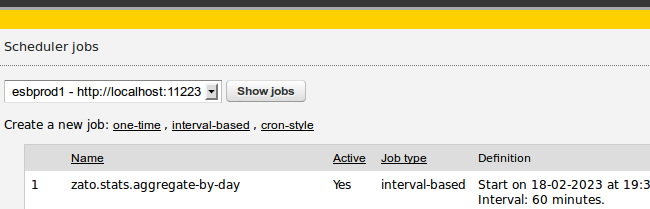
When you work with several environments - production, test, development - each in its own Dashboard, a color marker distinguishes one from another, so that, for instance, production is yellow while development is green.
The marker is set per user - after you are logged in to Dashboard, click My settings in the top-right corner and pick a colour. From then on, the main page of that Dashboard shows a bar in that colour, so you always know which environment you are looking at.
Note how choosing a color in user settings ..
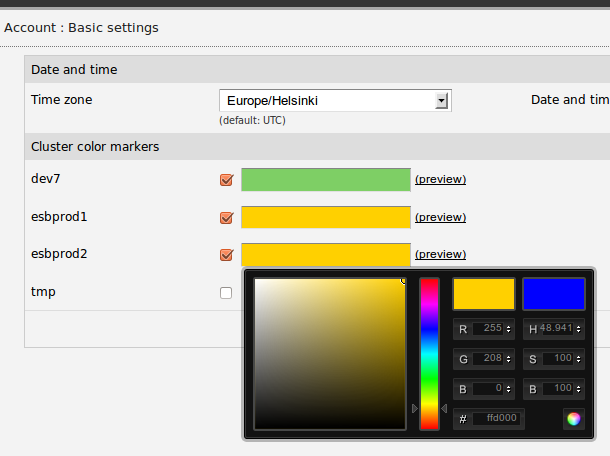
.. makes a bar appear when working in that environment.