Schedule a demo

Updating Zato environments

Zato provides a built-in update mechanism accessible through your dashboard, which lets you install the latest updates without pulling new Docker images, and without restarting your containers.

Alternatively, you can also always install the latest updates by pulling the latest Docker image, which is uploaded daily.
Manual updates

To perform a manual update:

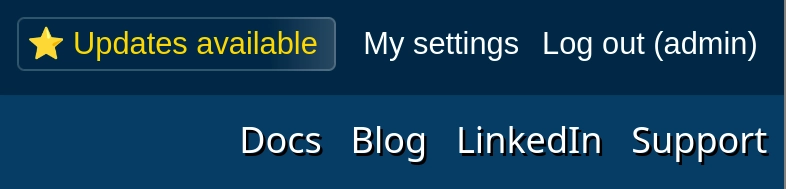
  1. Click the Updates available button in the top-right corner
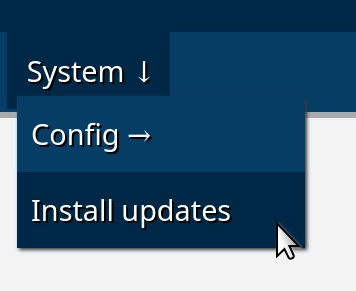
  2. Or, go to System → Install updates page in the menu
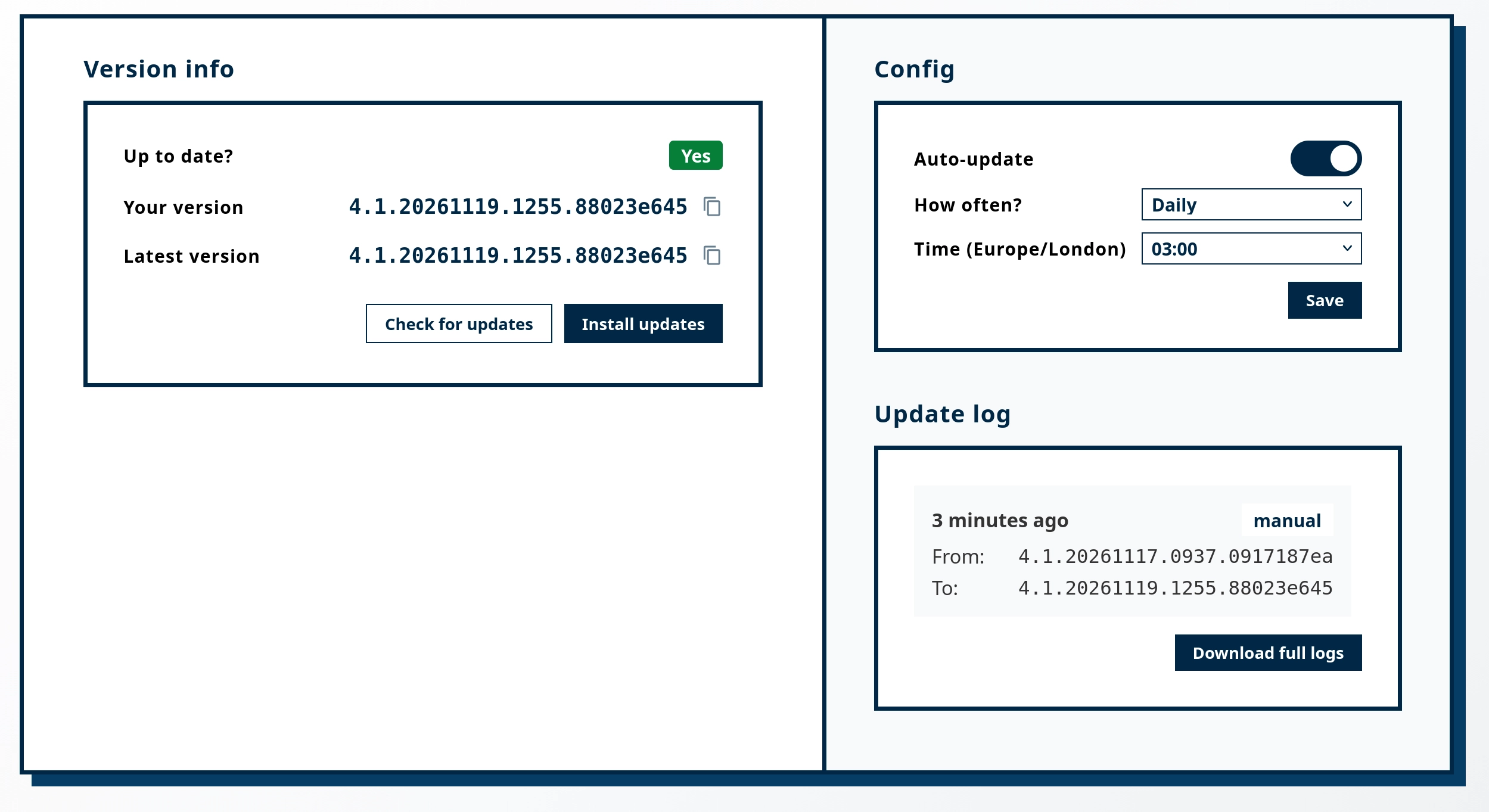
  3. Click "Install updates" to download and apply them, if there are any available
  4. The system will automatically restart all the components after the update completes
  5. Note that your server will be restarted and during that time it will not be accepting or processing any requests or messages
  6. You don't need to restart the container, the updates will be installed directly from your dashboard
  7. (End of steps)

Automatic updates

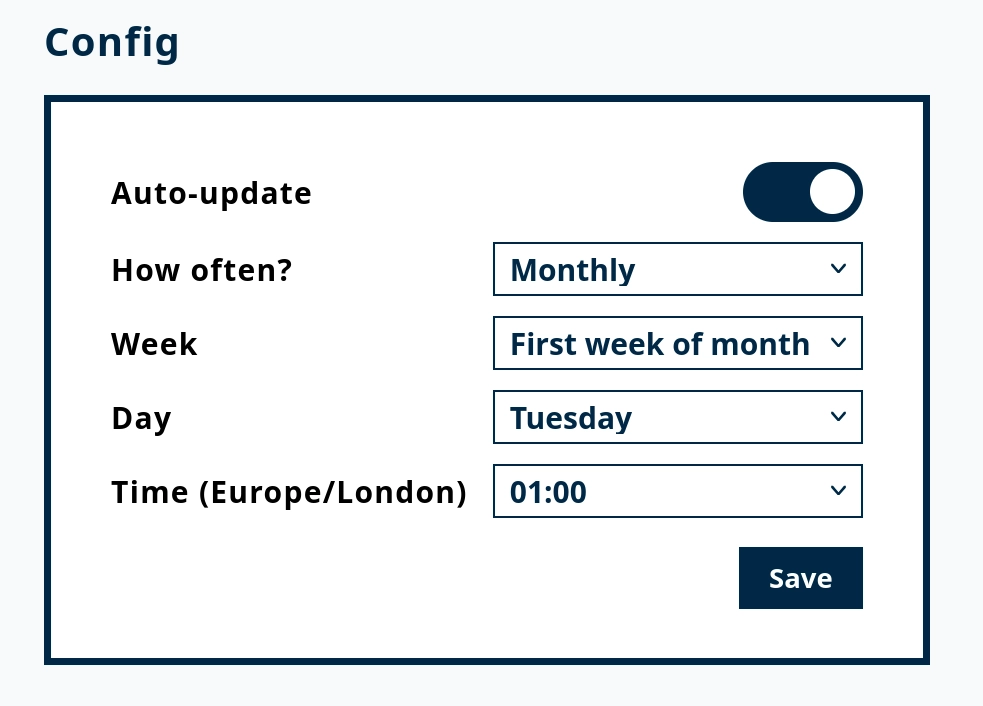
Automatic updates can be configured to run on a schedule. The following schedule types are available:

  • Hourly - Every hour on the hour (i.e. 01:00, 02:00, 03:00, and so on)
  • Daily - Updates run once per day at a specified time
  • Weekly - Updates run on a specific day of the week at a specified time
  • Monthly - Updates run on a specific week and day of the month at a specified time

Remember to click Save after choosing your schedule. And to turn off automatic updates, simply slide the toggle off.

Docker image updates

Docker logo

If you prefer to manage updates at the container level, such an option is always possible:

  • A new Docker image with Zato is published daily, once in 24 hours.
  • The image is always stable, always up to date, and it always contains the latest features and additions.
  • To update your Zato environment, create a new container using the latest image. That is, use the same docker run command that you used to start your container initially, for instance:
sudo docker run --pull=always -it --rm -p 22022:22 -p 8183:8183 -p 11223:11223 -p 17010:17010 \
--name zato-4.1 -e Zato_Log_Env_Details=True \
zatosource/zato-4.1