Schedule a demo

How to change your Zato password

  • There are no default passwords or any other credentials in Zato, like admin/admin etc. This does not exist.
  • To change your password, export an environment variable called Zato_Password before you start your container
  • The starting container will read it, and the value of this variable will become your new password
  • You'll now be able to use the password when you log in to your Dashboard at http://localhost:8183 (username: admin)

From the command line:

export Zato_Password="<Your Password>"
sudo docker run -e Zato_Password=$Zato_Password ...
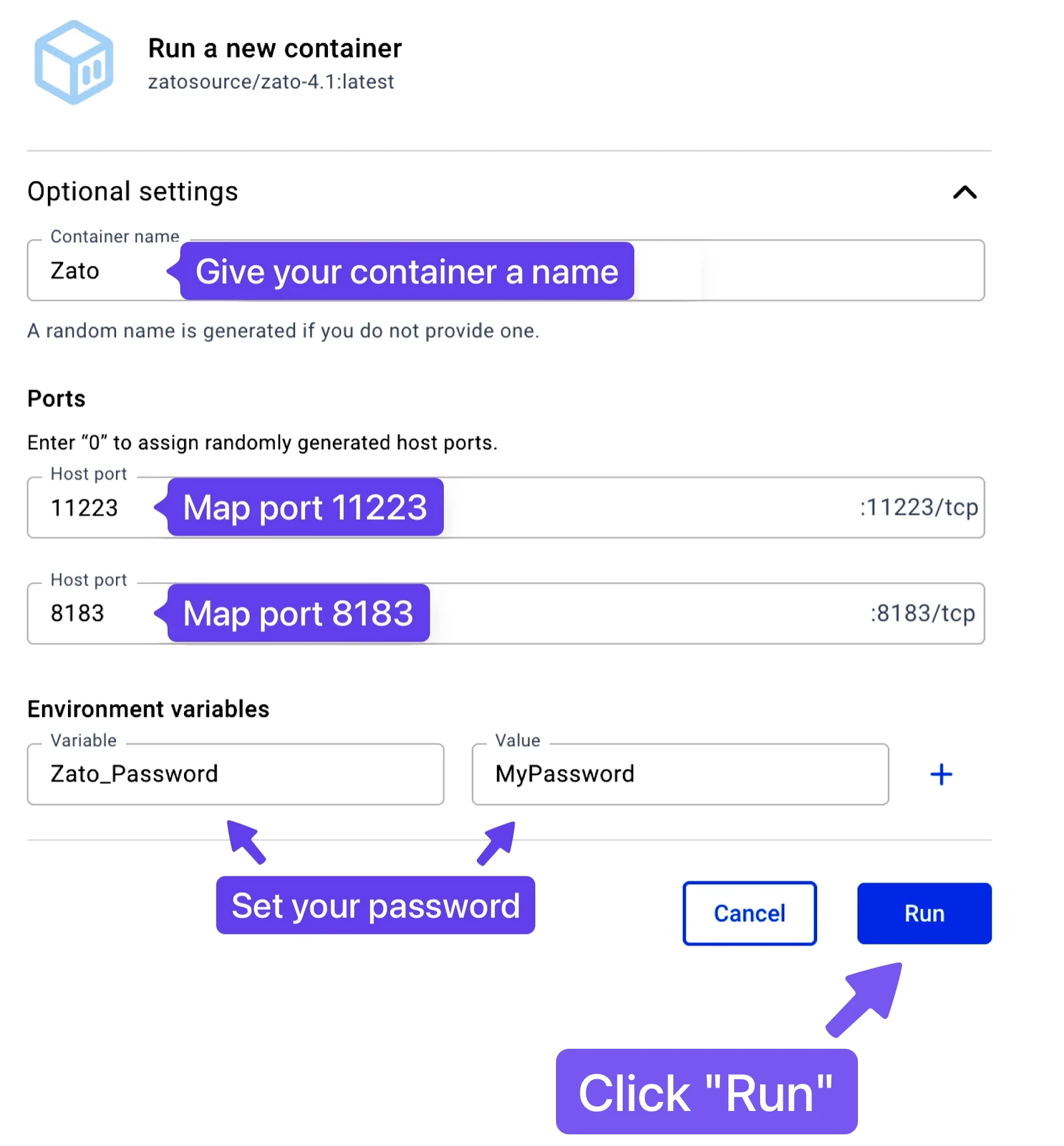
  • If you use Docker Desktop, set it as below when starting a new container: