Zato provides built-in support for connecting to SQL databases from your Python services. Connection pools are configured in the Dashboard, and your code accesses them through a simple, consistent API regardless of which database you use.
This approach means your services focus on business logic rather than connection management, credential handling, or low-level database drivers. Zato handles all of that for you.
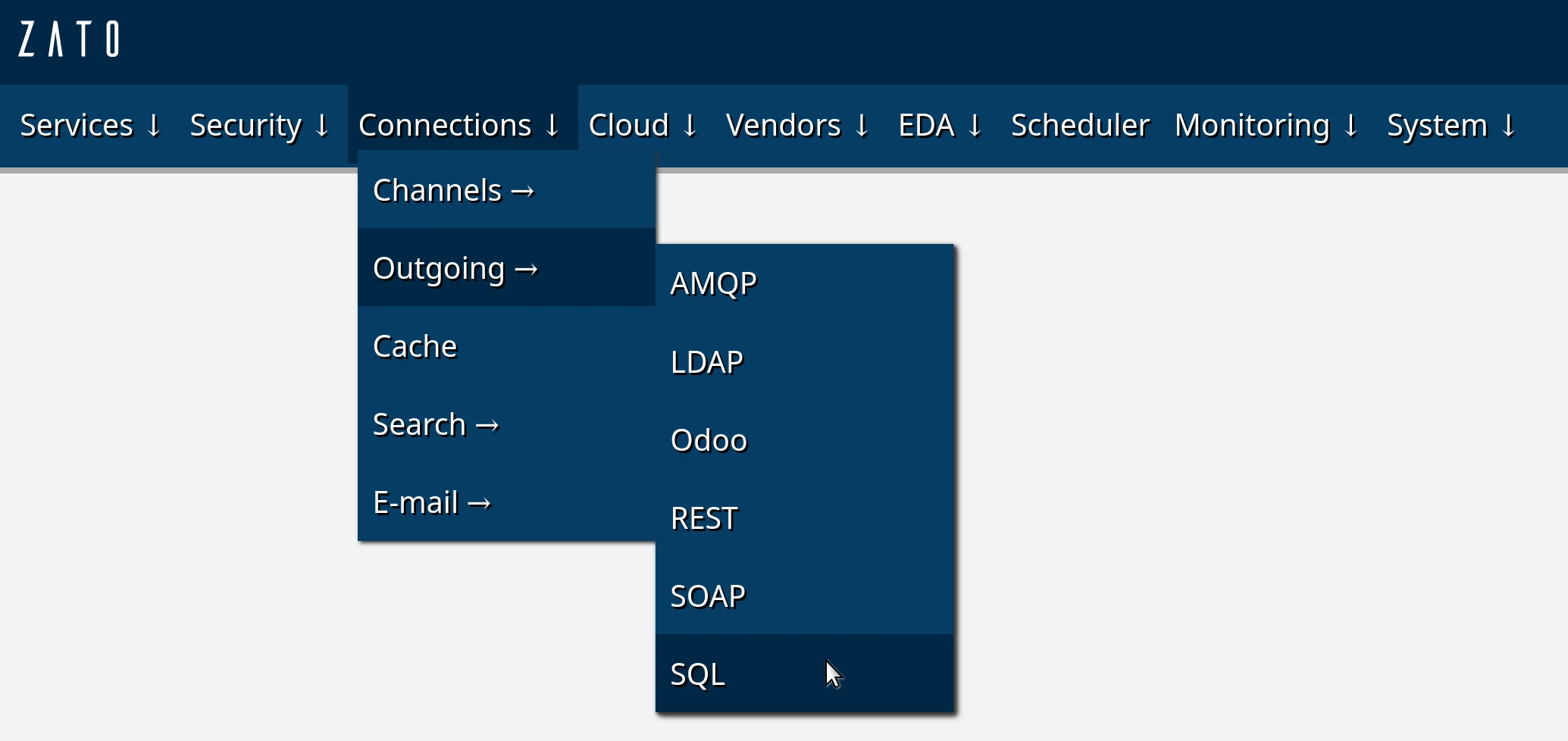
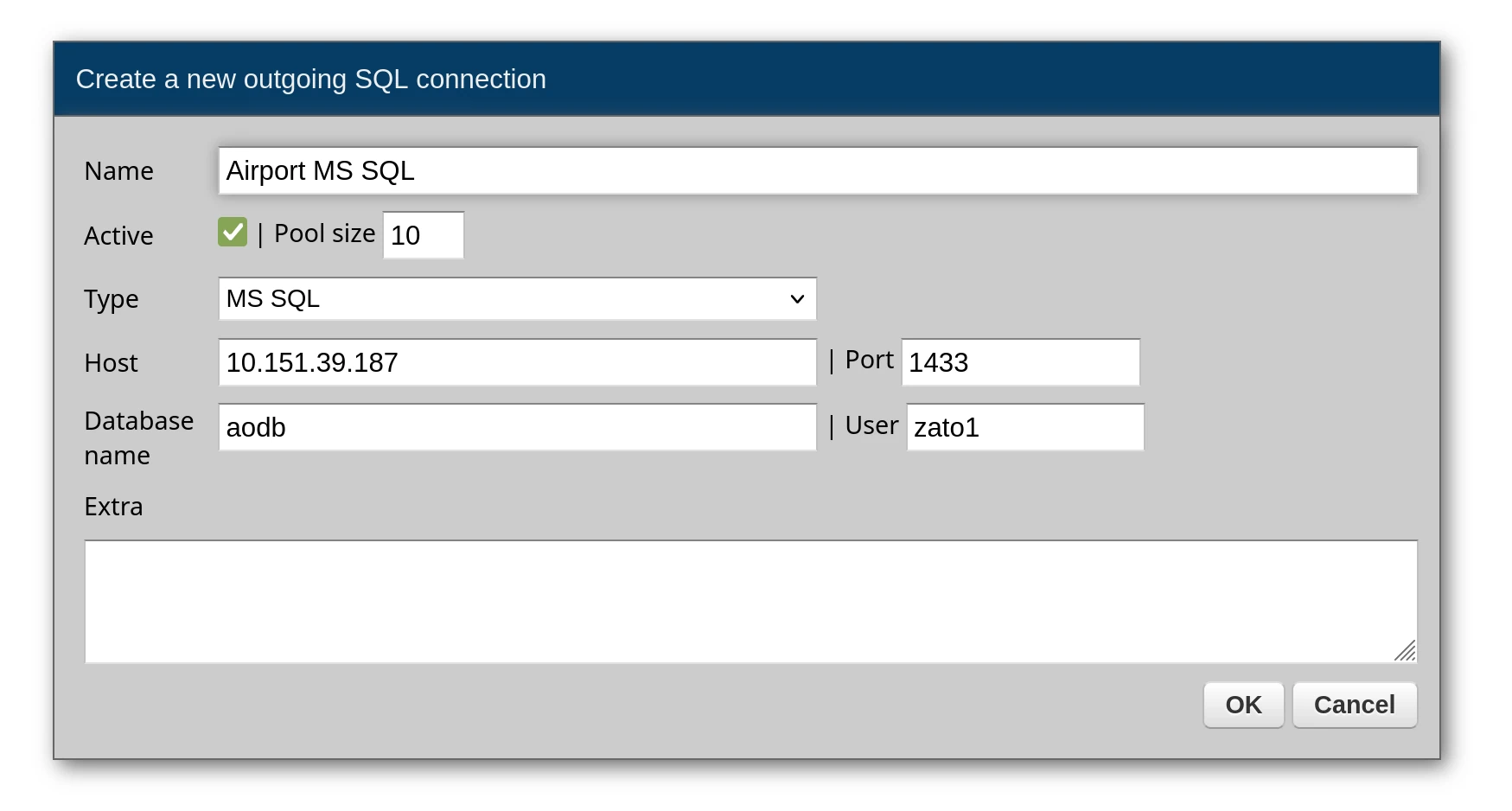
Zato supports the following database types out of the box:
Each database page includes specific connection examples and features unique to that database type.
Once you have configured a connection pool in the Dashboard, accessing it from your service is straightforward. The connection pool is available through self.out.sql, and you reference it by the name you gave it in the Dashboard.
# -*- coding: utf-8 -*-

# Zato
from zato.server.service import Service

class GetActiveFlights(Service):

    def handle(self):

        # Get a connection from the pool by name
        conn = self.out.sql['My Database']

        # Define your query with named parameters
        query = 'SELECT * FROM flights WHERE status = :status'

        # Parameters as a dictionary
        params = {'status': 'active'}

        # Execute and get results as a list of dictionaries
        result = conn.execute(query, params)

        # Return to caller
        self.response.payload = result
The response will be a list of dictionaries, one per row:
[
    {"flight_id": 101, "status": "active", "destination": "JFK"},
    {"flight_id": 205, "status": "active", "destination": "LHR"}
]
When you know your query returns exactly one row, use conn.one or conn.one_or_none instead of conn.execute. These methods return a dictionary directly rather than a list, making your code cleaner when dealing with single-row lookups.
# -*- coding: utf-8 -*-

# Zato
from zato.server.service import Service

class GetFlightById(Service):

    input = 'flight_id'

    def handle(self):

        conn = self.out.sql['My Database']

        query = 'SELECT * FROM flights WHERE flight_id = :flight_id'
        params = {'flight_id': self.request.input.flight_id}

        # Returns a dict directly, raises exception if zero or multiple rows
        flight = conn.one(query, params)

        self.response.payload = flight
The difference between the two methods:
conn.one - Returns a single row as a dictionary. Raises an exception if the query returns zero rows or more than one row. Use this when you expect exactly one result.
conn.one_or_none - Returns a single row as a dictionary, or None if no rows are found. Still raises an exception if more than one row is returned. Use this when zero results is a valid outcome.
# Returns dict or raises exception
result = conn.one(query, params)

# Returns dict, None, or raises exception (if multiple rows)
result = conn.one_or_none(query, params)
Each database has unique features and connection patterns. See the individual pages for details:
Book a demo with an expert who will help you build meaningful systems that match your ambitions
"For me, Zato Source is the only technology partner to help with operational improvements."
 - John Adams
Program Manager of Channel Enablement at Keysight 
