You can add any Python libraries to Zato. They can be installed from PyPI, or your own package index, if you use one. Read below how to do it.
The dashboard provides a convenient way to install Python packages directly from the web interface without command-line access.
Navigate to Settings → Python packages to access the package installation screen.
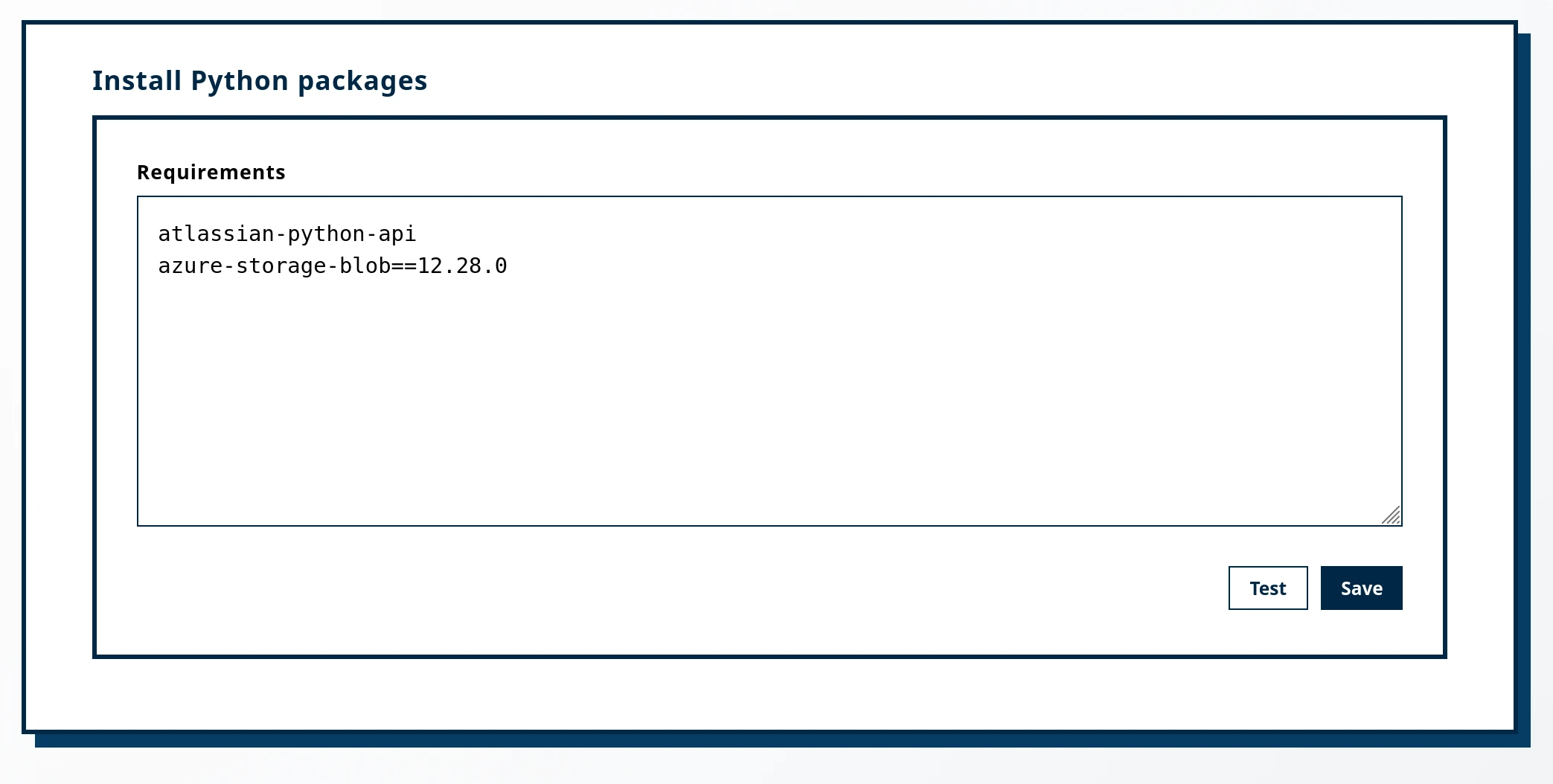
Example requirements:
To install packages from a custom index, add the index URL at the top of your requirements using the --extra-index-url directive:
--extra-index-url https://my-index.example.com/simple/
atlassian-python-api
my-private-package==1.0.0
You can also use --index-url to replace the default PyPI index entirely:
For automated deployments, Python packages can be installed via Docker volume mounts.
/opt/hot-deploy/python-reqs/requirements.txt inside the containerExample requirements.txt file:
Docker command with the mount (note the highlighted line):
Book a demo with an expert who will help you build meaningful systems that match your ambitions
"For me, Zato Source is the only technology partner to help with operational improvements."
 - John Adams
Program Manager of Channel Enablement at Keysight 
